Put highlight in a paragraph style
已回覆Hi,
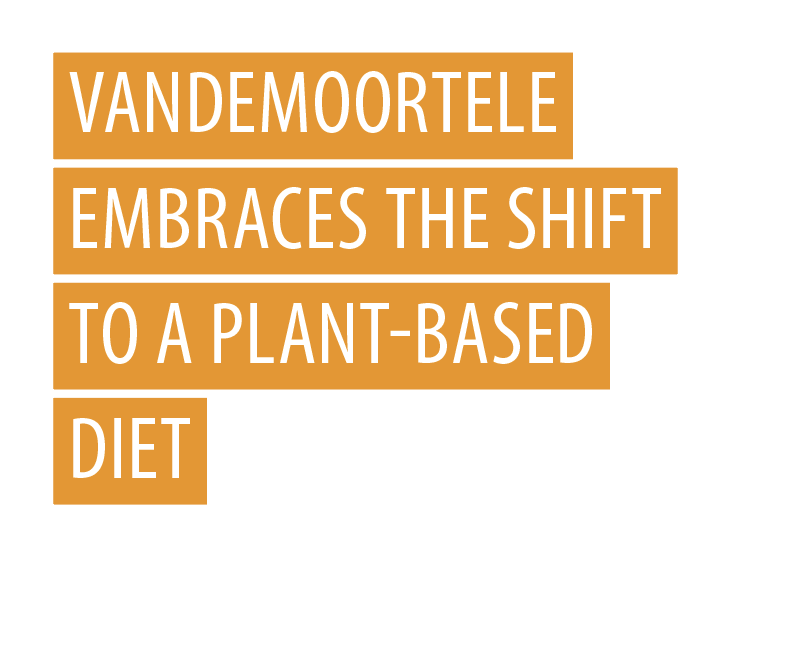
can we put HIGHLIGHT in a paragraph style? Or is there another way to create this kind of text in a style?
0
-
 You can apply highlights in a paragraph style in Workiva. To do this:1. Access Paragraph Properties:
- Open the Paragraph Properties panel from the toolbar or by right-clicking on the paragraph. 2. Apply Highlight:
- In the Text Highlight section, choose the desired highlight color. 3. Save as Style:
- Save the changes as a new paragraph style or update an existing one to include the highlight. This ensures that the highlight is part of the paragraph style and can be consistently applied across your document!0請登入寫評論。
評論
1 條評論