New value unit codes
BesvaratCould new value unit codes be created in the ESG Program for specific GHG metrics? I need the following unit codes:
- gCO2e/km
- gigawatt hours
- megaliters
- square meters
- tCO2/USD (in millions)
- tCO2e/m^2
-
Officiell kommentar

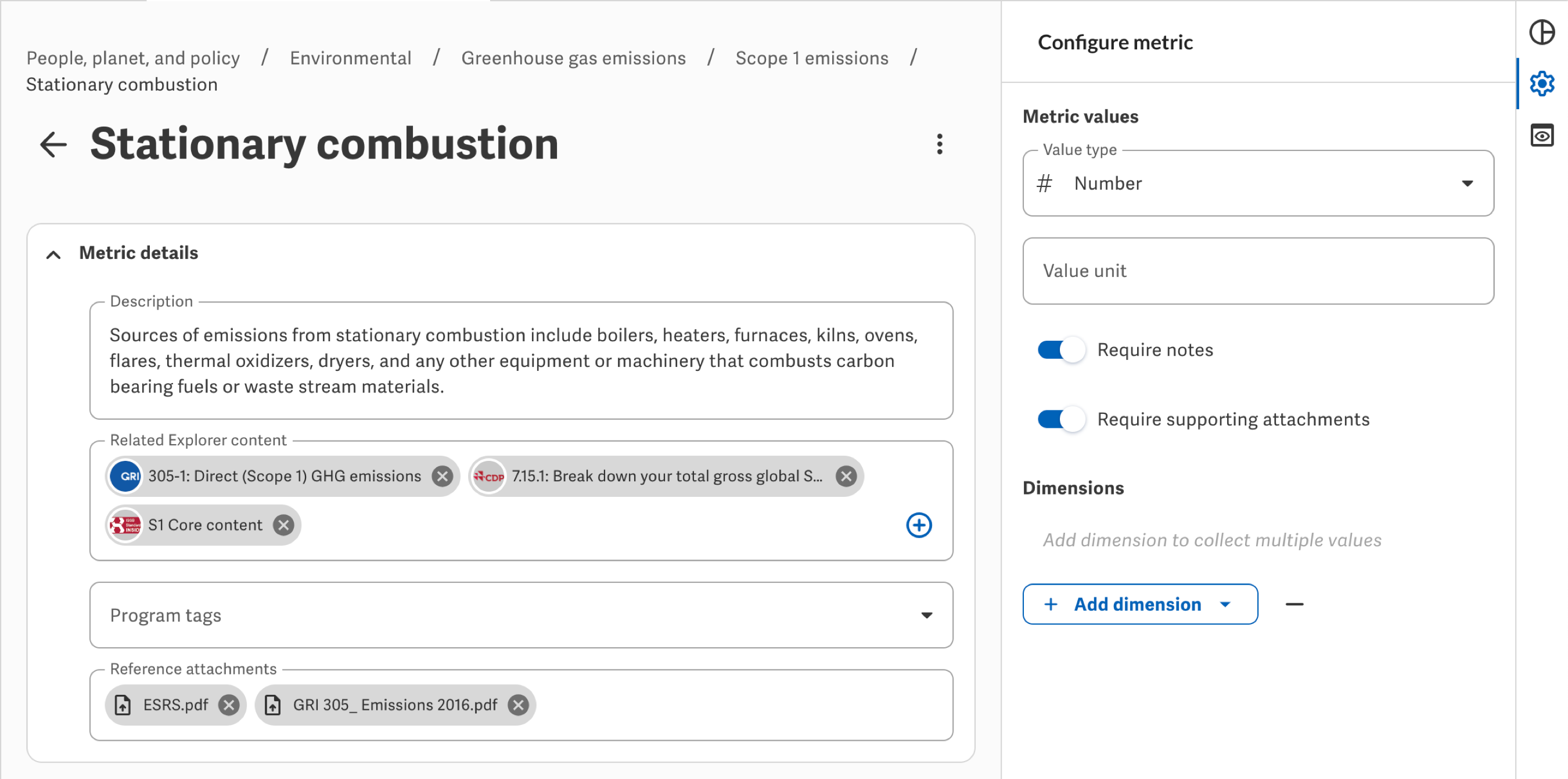
If you need to collect values in units not offered by default, you can enter a custom value unit for the specific metric from its Configure metric panel. More details in Support Center, hope that helps!

Hi Hunter,
We have set up and idea ticket for the new unit codes to be created. Thanks for your feedback.
Best,
Isaac
0
I had this same question. We need to display the unit code in several of our reports. Alternatively, could custom unit codes be added by clients?
0
Agree with the list of additional unit codes, however, more importantly allow clients to customize codes to their needs as well.
0
Assigning a value on the metric side doesn't seem to make it visible or displayed in either a table or a Workiva document. The value comes over as a raw number, and one has to manually add a suffix. An improvement would be to have the option to display the unit type in a Workiva document - you could apply that to a full doc, a section, or a single linked value - or, to avoid the mis-keys that can result from manually typing in a suffix, bring the unit type over into the suffix menu so it can simply be chosen.
0Du måste logga in om du vill lämna en kommentar.
Kommentarer
5 kommentarer