Footer Image Issues
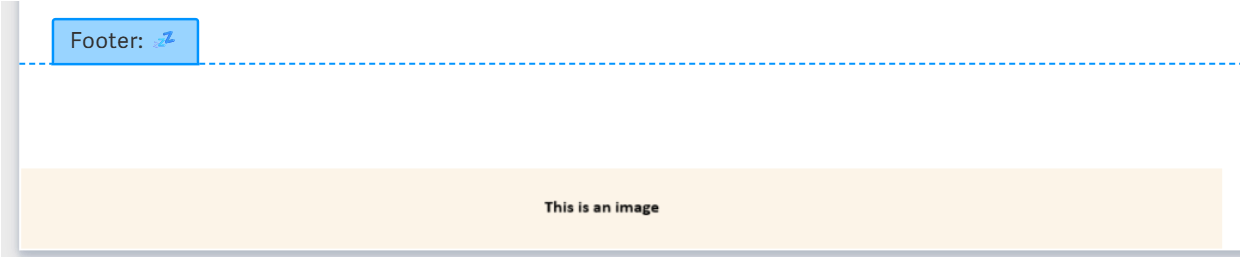
Below is an image of what I am trying to do. I want to include a stylized footer within my report, but I can't get the image to go all the way to the bottom of the page and have this little gap. Any advice on how to get the image snug to the bottom of the page? I have tried spaces, sizing, and distance from the bottom is set at 0 as well.

-

You can try selecting the content of the line or maybe the entire footer area and setting the font size to 1 and pressing spacebar once. It is not perfect but very close.
Perhaps another option is to use a floating image to the page place set it to behind text and lock page position, so it doesn't move around. The problem with this is it is not in the footer.

An option I wouldn't really recommend is to add the image to the header and force it down to the location where you want it on the page ie pressing enter and using a small font size close to the end. This causes issues when exporting to docx.
Last option if you want it repeatable is to design an image the size of your page, use a transparent background but layer the required footer then add it as a page image. This one is also limited to the section you work in.Hope you find something that works for you.
0
I did try setting the font size to 1, but it won't actually push the image down flush with the page. It's like there is an invisible border on the image that takes up more space than is actually being highlighted.
Unfortunately, I don't have designed reporting, so I can't use a floating image.
0Vous devez vous connecter pour laisser un commentaire.
Commentaires
2 commentaires